Introduction to Todos
Todos
You manage activities you need to complete for your Asset using Aliada Create’s Todos activity.
Todos are shown on a “Kanban” board (which is like post-it-notes on a board).
There are three “columns” on the Kanban board: Todo, In Progress, and Complete.
Todos can be assigned to anyone on your Team.
You can set Start and Due dates for Todos.
Email notifications are enabled for Todos created and assigned, as well as for reminders of Todos due.
To move a Todo to any status, click and drag it to another “column.”
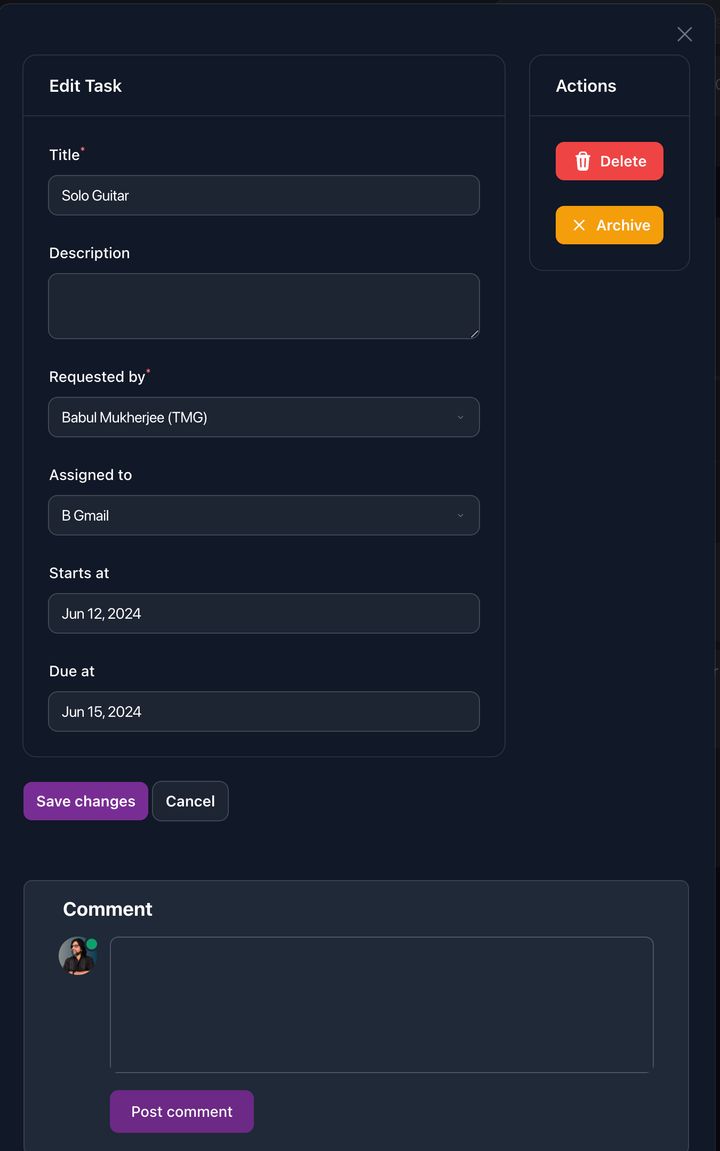
To edit, comment, archive, or delete a Todo, click on it to bring up the Todo Editor.
You and your Team are able to comment on any Todo as well.
Todo Activity Example
Section titled “Todo Activity Example”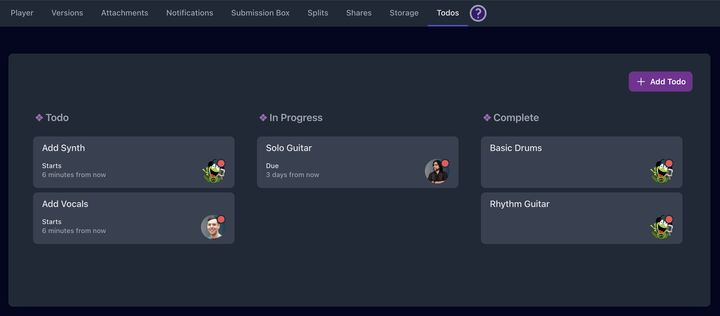
Todo Editor
Section titled “Todo Editor”