
Markdown
What is Markdown?
Section titled “What is Markdown?”Markdown is a simple way to format text using symbols, making it easy to add emphasis, headers, lists, and more without fuss.
You can make text bold by wrapping it between **[text]**.
Rush is a **well known** Canadian band.Will show up as:
Rush is a well-known Canadian band.
Italics
Section titled “Italics”You can make text italic by wrapping it between _[text]_.
Rush is a _well known_ Canadian band.Will show up as:
Rush is a well-known Canadian band.
Strike through
Section titled “Strike through”You can strike through text by wrapping it between ~~[text]~~.
Rush is a ~~not~~ well known Canadian band.Will show up as:
Rush is a not well-known Canadian band.
Block quote
Section titled “Block quote”You can block quote text by starting a line with a >.
> Rush is a well known Canadian band.Will show up as:
Rush is a well-known Canadian band.
Titles
Section titled “Titles”You can create a title by starting a line with a #. The more # you add, the smaller the title will be.
# Rush is a well known Canadian band## Rush is a well known Canadian band#### Rush is a well known Canadian band##### Rush is a well known Canadian band###### Rush is a well known Canadian bandWill show up as:
Rush is a well-known Canadian band
Section titled “Rush is a well-known Canadian band”Rush is a well-known Canadian band
Section titled “Rush is a well-known Canadian band”Rush is a well-known Canadian band
Section titled “Rush is a well-known Canadian band”Rush is a well-known Canadian band
Section titled “Rush is a well-known Canadian band”Rush is a well-known Canadian band
Section titled “Rush is a well-known Canadian band”Creating a list
Section titled “Creating a list”To create a list, each item should be on its own line and start with -
The Canadian band Rush consists of
- Geddy- Alex- Neil
Will show up as:
The Canadian band Rush consists of
- Geddy
- Alex
- Neil
Creating a numbered list
Section titled “Creating a numbered list”To create a numbered list, start each line with a 1. You can increase the number, but this isn’t necessary.
The Canadian band Rush consists of
1. Geddy1. Alex1. Neil
Will show up as:
The Canadian band Rush consists of
- Geddy
- Alex
- Neil
To create a link, put the name of the link between [] and the URL between (). Here is an example:
Links: [The Canadian band Rush](https://www.rush.com) becomes The Canadian band Rush
Images
Section titled “Images”To link to an image, you can do the same as creating a link. Put the title between [] and the URL between (). Additionally, add a ! before the opening [.
Here is an image of the band Rush:
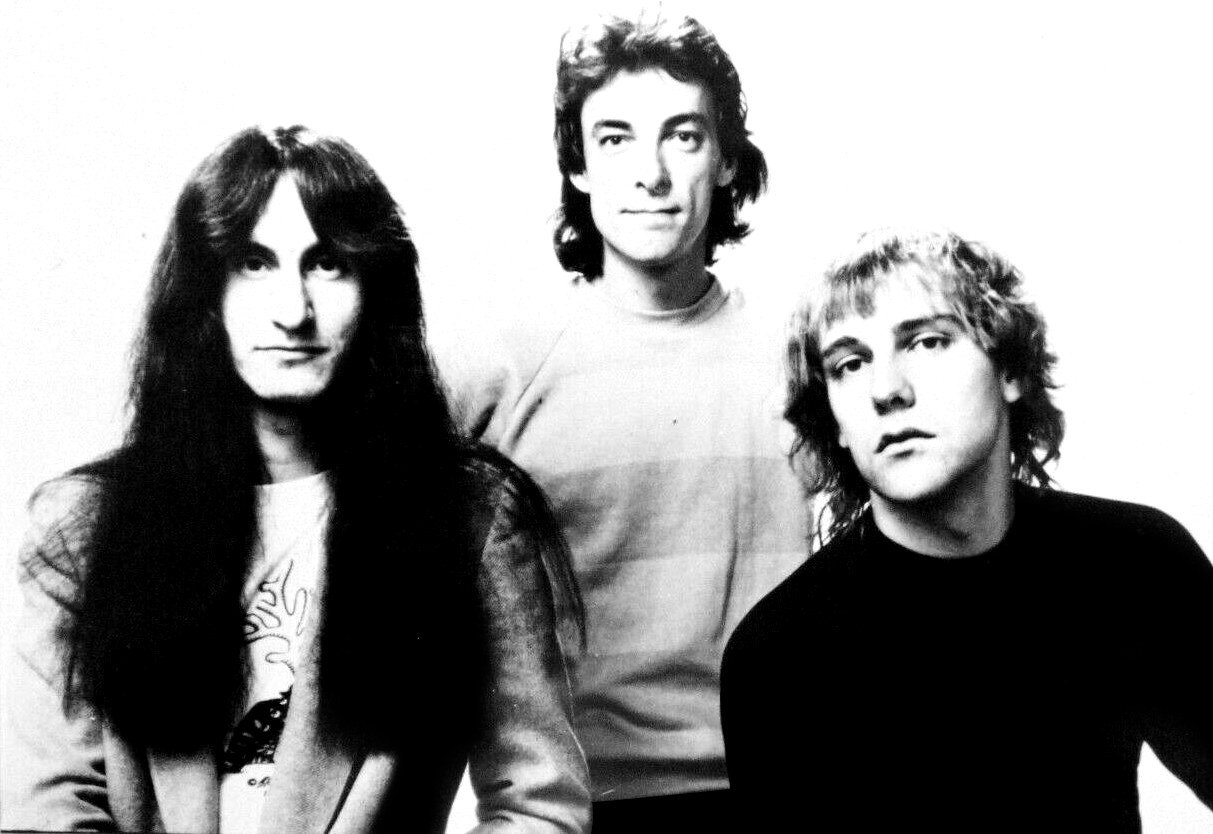Here is an image of the band Rush:

Blocks
Section titled “Blocks”Blocks can be highlighted by wrapping the text between ```.
```We are secrets to each otherEach one's life a novelNo-one else has read```Will show up as:
We are secrets to each otherEach one's life a novelNo-one else has readInline Blocks
Section titled “Inline Blocks”To create a block in the middle of a sentence, wrap the text between `.
We are `secrets` to each `other`Will show up as:
We are secrets to each other
Stacking
Section titled “Stacking”The way line breaks work in Markdown is different than you expect. But there is a reason!
The Canadian rock band _Rush_ is **SOOOO** cool -I love them so much!Will show up as:
The Canadian rock band Rush is SOOOO cool - I love them so much!
Examples
Section titled “Examples”Example 1
Section titled “Example 1”Thoughts on song as it is now
Section titled “Thoughts on song as it is now”- Bass line needs more
movementbounce - Should background vocals be double-tracked or emulated?
- Guitars can be louder amiright?!?
- Emphasize the word “love” in verse 2
- Acoustic coming into the bridge is distracting
Written out as
Section titled “Written out as”#### Thoughts on song as it is now1. Bass line needs more ~movement~ bounce1. Should background vocals be double tracked or emulated?1. Guitars can be louder amiright?!?1. Emphasize word _"love"_ in verse 21. Acoustic coming into bridge is **distracting**Basic Text Formatting
Section titled “Basic Text Formatting”| Element | Syntax | Example |
|---|---|---|
| Bold | **text** | bold text |
| Italic | *text* or _text_ | italic text |
| Strikethrough | ~~text~~ | |
| Inline code | `code` | inline code |
Headers
Section titled “Headers”Use # for headers. More # symbols create smaller headers: